
Download PhotoFunia – Free Online Face‑Swap Tool, Photo Editor & Fun App
Overview of PhotoFunia
PhotoFunia is a web‑based photo manipulation platform that lets you drop your face into a huge library of pre‑designed scenes. Whether you want a quirky meme, a professional‑looking marketing graphic, or just a laugh‑out‑loud selfie, PhotoFunia provides a simple upload‑and‑apply workflow that works directly in the browser. The service is completely free, requires no registration, and delivers high‑resolution results in seconds.
By leveraging cloud processing, the tool removes the need for heavyweight desktop software while still offering a surprisingly robust set of customization options such as text fields, font selectors, background color pickers, and basic image filters. PhotoFunia also extends its capabilities to mobile platforms – Android, iOS, Windows Phone, BlackBerry, and even legacy Symbian devices – via dedicated apps that bring the same drag‑and‑drop experience to the palm of your hand. The platform is perfect for quick social‑media posts, classroom projects, or just a few minutes of harmless fun.
While the sheer number of scenes can feel overwhelming, the site organizes content into intuitive categories like “Holidays,” “Movies,” “Sports,” and “Business,” making it easy to find a suitable template for any occasion. In short, PhotoFunia combines the power of a professional photo editor with the accessibility of a browser game, offering a secure, instant, and entertaining way to enhance any selfie.
Key Features That Make PhotoFunia Stand Out
- Massive Template Library: Over 400 ready‑made scenes ranging from movie posters and classic paintings to holiday cards and viral memes.
- One‑Click Face Insertion: Automatic face detection and cropping ensure your portrait fits perfectly without manual adjustments.
- Custom Text & Font Options: Add personalized messages, choose from dozens of fonts, and adjust color and size to match the scene.
- Instant High‑Resolution Export: Download results in JPEG or PNG format up to 4 MP, suitable for printing or digital sharing.
- Cross‑Platform Availability: Web version works on any modern browser; native apps exist for Android, iOS, Windows Phone, BlackBerry, and Symbian.
- Social Media Integration: Built‑in share buttons for Facebook, Twitter, Instagram, and WhatsApp let you post directly after creation.
- Secure Cloud Processing: Images are uploaded over HTTPS, processed on secure servers, and automatically deleted after a short retention period.
- Free & No‑Ads Model: Core functionality is completely free; optional premium packs offer exclusive templates without intrusive advertising.
- Simple UI/UX Design: Minimalist layout with clear category tabs, a drag‑and‑drop uploader, and step‑by‑step guidance for beginners.
- Regular Updates: New scenes and seasonal templates are added weekly, keeping the content fresh and relevant.
Installation and Step‑by‑Step Usage Guide
Using PhotoFunia on the Web
1. Visit the official website. Open any modern browser (Chrome, Edge, Firefox, Safari) and navigate to photofunia.com. The homepage loads instantly thanks to lightweight HTML and CDN‑served assets.
2. Select a category. Browse the navigation bar or use the search field to find a scene that matches your idea. Categories are grouped for easy discovery.
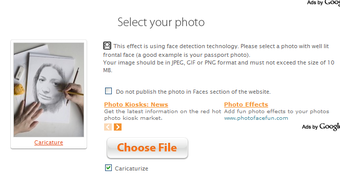
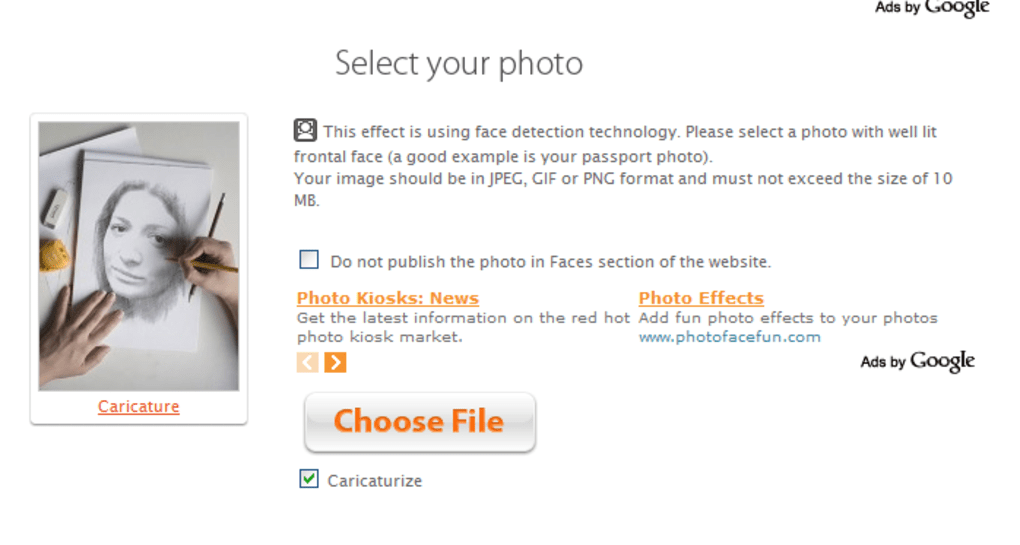
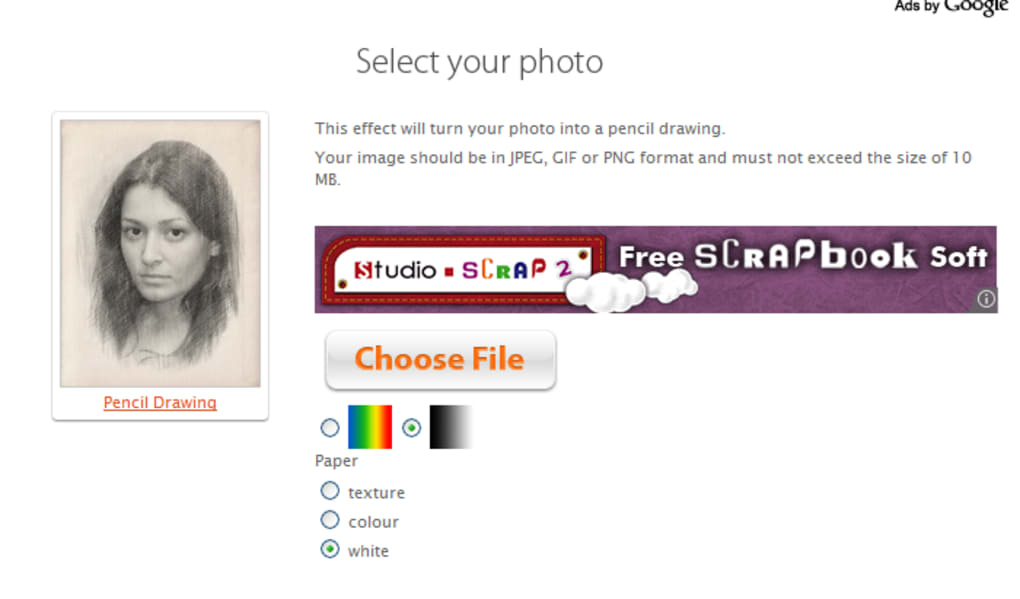
3. Upload your photo. Click the “Choose file” button, select a clear portrait from your computer or mobile device, and wait a few seconds while the engine detects your face.
4.
Customize the scene. Depending on the template, you may edit text, choose a font, or modify background colors. All controls appear as intuitive sliders and dropdowns.
5.
Preview and download. A real‑time preview shows how your face integrates with the background. When satisfied, click “Download” to save the final image or use the social icons to share directly.
Installing PhotoFunia on Mobile Devices
For Android users, open the Google Play Store, search “PhotoFunia,” and tap “Install.” iOS users locate the app in the Apple App Store. The installation size is under 50 MB, and the app requires Android 5.0+ or iOS 11.0+. After installation, launch the app, grant camera and storage permissions, and the workflow mirrors the web version: choose a template, snap or upload a selfie, adjust text, and save or share.
The mobile app also supports offline caching of previously used templates, allowing you to work without an active internet connection (though final rendering still requires a brief online request).
Tips for Best Results: Use a well‑lit, front‑facing photo with minimal background clutter. High‑resolution images produce sharper edges after the automatic face cut‑out.
If the face detection fails, you can manually reposition the facial rectangle before confirming. The platform also accepts PNG files with transparent backgrounds for added flexibility.
Compatibility, Pros, and Cons – A Balanced Review
PhotoFunia works across all major operating systems. The web version is browser‑agnostic, while native apps cover Android, iOS, Windows Phone, BlackBerry, and legacy Symbian platforms. This broad compatibility ensures that users can enjoy the service on desktops, laptops, tablets, and smartphones without needing a dedicated PC.
Pros
- Completely free for core features, making it accessible to anyone.
- Instant processing – results appear in seconds thanks to cloud rendering.
- Huge variety of templates keeps the experience fresh.
- Simple UI that requires no prior design knowledge.
- Secure HTTPS uploads and automatic deletion of source images.
- Cross‑platform apps let you edit on the go.
- Social sharing buttons streamline publishing.
Cons
- Site navigation can feel cluttered because of the sheer number of scenes.
- Some premium templates are locked behind a paywall.
- Limited advanced editing tools (e.g., layers, filters) compared to Photoshop.
- Occasional latency on slower internet connections.
- Mobile apps occasionally miss the latest web‑only templates.
PhotoFunia delivers a delightful mix of humor and practicality. Its biggest strength is the sheer volume of ready‑made scenes that let users create eye‑catching visuals in a matter of clicks. While power users might miss deeper editing capabilities, the platform’s focus on speed, simplicity, and cross‑device accessibility makes it an excellent choice for casual creators, educators, and social‑media managers. The occasional navigation overload is a minor trade‑off for the wealth of content available.
Frequently Asked Questions
Is PhotoFunia really free or are there hidden costs?
The core service – uploading a photo and applying any of the standard templates – is completely free. Premium packs containing exclusive scenes are optional and require a one‑time purchase, but they are clearly labeled and never forced upon users.
Can I use the generated images for commercial purposes?
Yes, images created with the free templates can be used for personal and commercial projects, provided you do not violate PhotoFunia’s terms of service. For premium templates, the license is included in the purchase agreement.
How does PhotoFunia handle privacy and data security?
All uploads are transmitted over HTTPS and processed on secure servers. After the image is generated, the original photo is automatically deleted from the server within a few minutes, ensuring that no personal data is retained long‑term.
Do I need a strong internet connection to use PhotoFunia?
A stable broadband connection is recommended for the fastest upload and rendering times. On slower connections, the processing may take a few extra seconds, but the service still works without interruption.
Is there a limit to how many images I can create per day?
PhotoFunia does not enforce a strict daily limit for free users, but excessive automated requests may trigger a temporary captcha to prevent abuse. Normal human usage is unrestricted.
Conclusion – Should You Download PhotoFunia?
If you’re looking for a quick, fun, and secure way to insert your face into a million imaginative scenes, PhotoFunia checks all the boxes. The platform’s free tier offers enough variety for everyday social‑media posts, classroom assignments, or just a few minutes of lighthearted entertainment. Its cross‑platform availability means you can switch from desktop to mobile without losing functionality, and the built‑in sharing tools make distribution effortless.
While the site could benefit from a cleaner navigation structure and richer editing features for power users, those drawbacks are far outweighed by the sheer amount of content and the simplicity of the workflow. In short, PhotoFunia is a valuable addition to any casual creator’s toolbox. Download PhotoFunia today, start experimenting with the endless templates, and give your selfies the blockbuster treatment they deserve.



.png)



